Trending

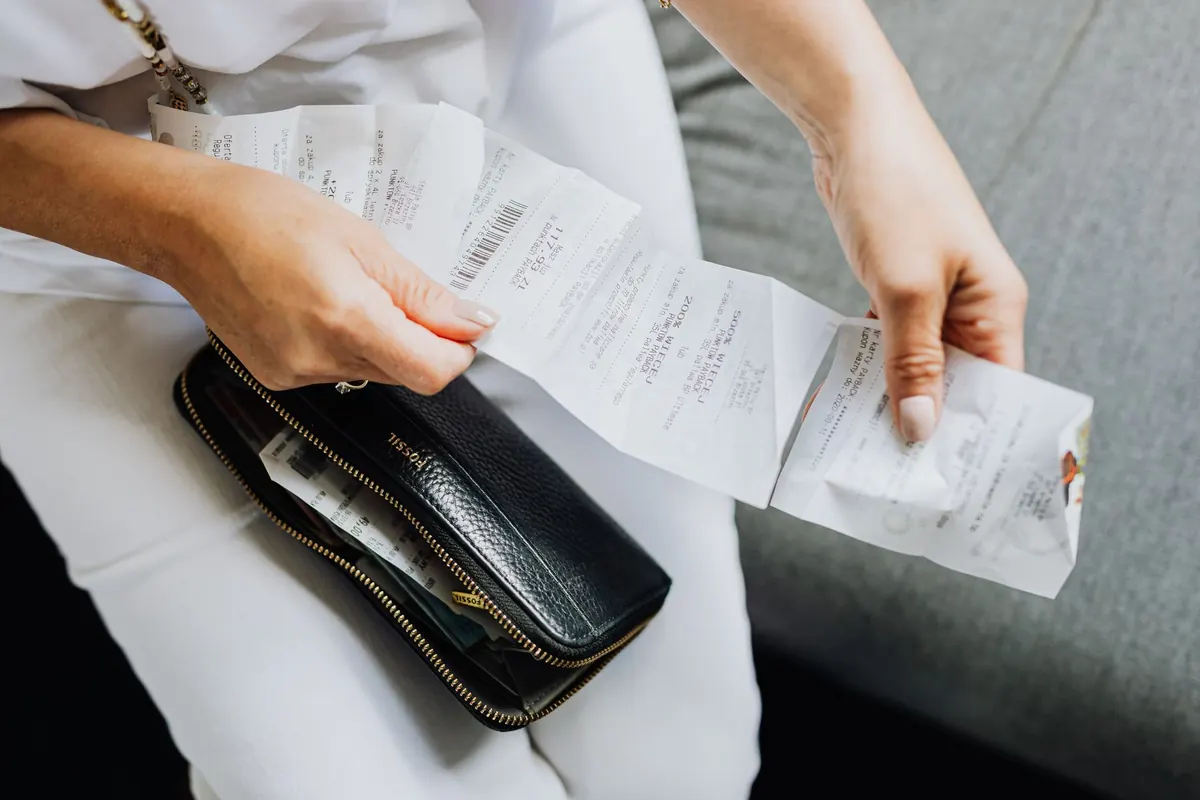
Most receipts are not lost. They are simply never captured in the first place. The paper one goes into a coat pocket, the emailed one sits in an inbox, and by the time you sit down with the books you are rebuilding a month of spending from memory and a bank statement. That is how a routine task turns into an afternoon of guesswork.
The fix is not a better memory. It is a system with two halves: a way to capture every receipt at the moment it appears, and a place to put it that you will still trust in six months. Here is how to build both.
Every purchase should have a destination before it happens. If you pay from a business bank account or a dedicated business card, the transaction is already recorded; the receipt is what proves what it was for. If you pay in cash, the receipt is the only record you will ever have.
A useful test: if a receipt turned up loose on your desk three months from now, could you tell which client, job or expense category it belonged to? If the answer is no, the note needs to be written at the point of purchase, not reconstructed later. A three-word description on the back of a till receipt takes four seconds. Remembering why you spent £47 in a hardware shop in February takes considerably longer.
The most common failure is having four systems that each work half the time. Pick one, and treat everything else as a fallback:
Whichever you choose, the rule is the same: the receipt is captured within a minute of the purchase or the moment it arrives in your inbox. Anything that waits until the weekend is a receipt you might lose.
Apps differ more than the marketing suggests. Before committing, check how you get your data out. Can you export to CSV or PDF? Does it connect to the accounting software your bookkeeper already uses? If you stopped paying tomorrow, would you still have your records?
Also worth checking: whether it works offline, whether it handles VAT separately (useful if you are VAT-registered), how it deals with multiple users, and whether the scanned images are stored at a resolution you could actually read on a screen. A blurry photograph of a faded receipt is not much better than no receipt at all.
Simple does not mean sloppy. An envelope system works well if you follow a few steps:
One warning about thermal till receipts: they fade, especially when kept warm or in sunlight. If you need a record to last, scan or photograph it rather than relying on the paper.
A folder of files called IMG_4471 is barely better than a shoebox. Use a naming pattern that sorts itself and can be searched: date, supplier, amount, purpose. Something like 2025-03-14 Screwfix 42.60 drill bits tells you everything at a glance and lines up neatly in date order.
Many accountants prefer one PDF per month with the receipts in date order, rather than two hundred separate images. If you are scanning in bulk, that is usually the tidier option. Keep the originals as well — broadly speaking, you need to retain business records for several years, and the exact period depends on your business structure and tax position, so confirm it with your accountant.
HMRC generally accepts legible digital copies of receipts, but you must be able to produce them on request — and VAT invoices have their own specific requirements. If you are VAT-registered or unsure, take professional advice before shredding anything.
Set aside a fixed slot, ideally the same time each week. Empty the envelope or check the app. Open your bank feed and look for transactions with no matching receipt — these are the gaps that cause trouble later. Chase the missing ones while the purchase is still fresh, and if a receipt genuinely cannot be found, note what the payment was for alongside the bank entry.
Once a month, reconcile properly: scan anything still on paper, back up your files to a second location, and check that personal spending on the business card has been recorded correctly. Quarterly, skim the categories for anything that looks odd — a subscription you no longer use, a duplicate payment, a supplier you have stopped buying from.
If you are consistently behind, or spending more time on receipts than on the work that pays for them, a bookkeeper is not an extravagance. The good news is that a tidy system makes them cheaper to hire, because they can work from your cloud folder rather than chasing you for paperwork.
Start with one capture method, one storage location and one weekly slot. Do that for a month and you will have something more valuable than a clever app: a habit that means no receipt ever goes missing in the first place. For anything specific to your tax position, VAT status or record-keeping obligations, speak to a qualified accountant.